Location change
Set or adjust the location when creating or editing a Construction or Measurement Point.
Methods
You can set location using any of these:
- Current location — browser geolocation (Wi‑Fi/GPS). Accuracy can vary; verify on the map.
- Pick on map — opens the map; click to place or adjust latitude/longitude.
- Manual coordinates — enter latitude and longitude; altitude (optional) if known.
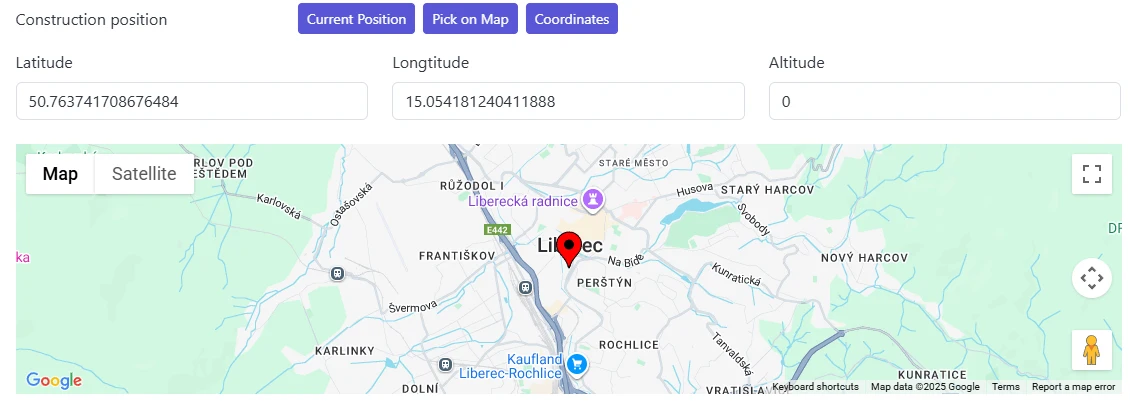
Altitude
Altitude is optional. Provide it when elevation differences matter for your monitoring context.
Recommendations
- After using current location, open map to visually confirm placement.
- Use manual entry for precise known survey coordinates.
- Keep a consistent method across Constructions and Measurement Points for easier comparison.
tip
Small coordinate adjustments can help align points with underlying map imagery—avoid frequent changes once data collection begins.