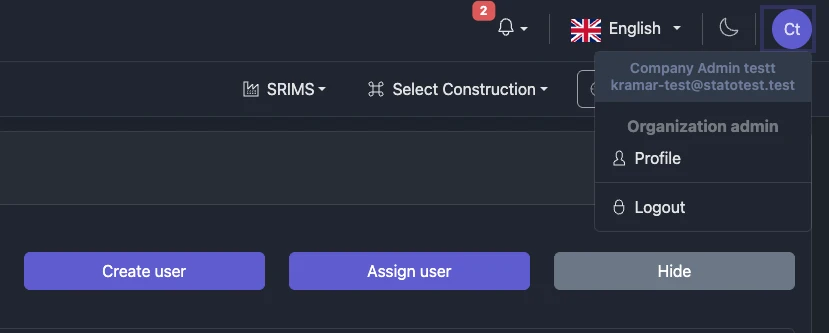
User Management Basics
Use the Users area to manage who can access your Organization’s constructions and measurement points. From here you can:
- View all members of your Organization(s)
- Create new user accounts for your Organization
- Assign existing Statotest accounts to your Organization
Most actions in this section require being an Organization Administrator. Regular users can view members and manage only their own profile. Global Administrator features are excluded from this guide unless specifically noted.
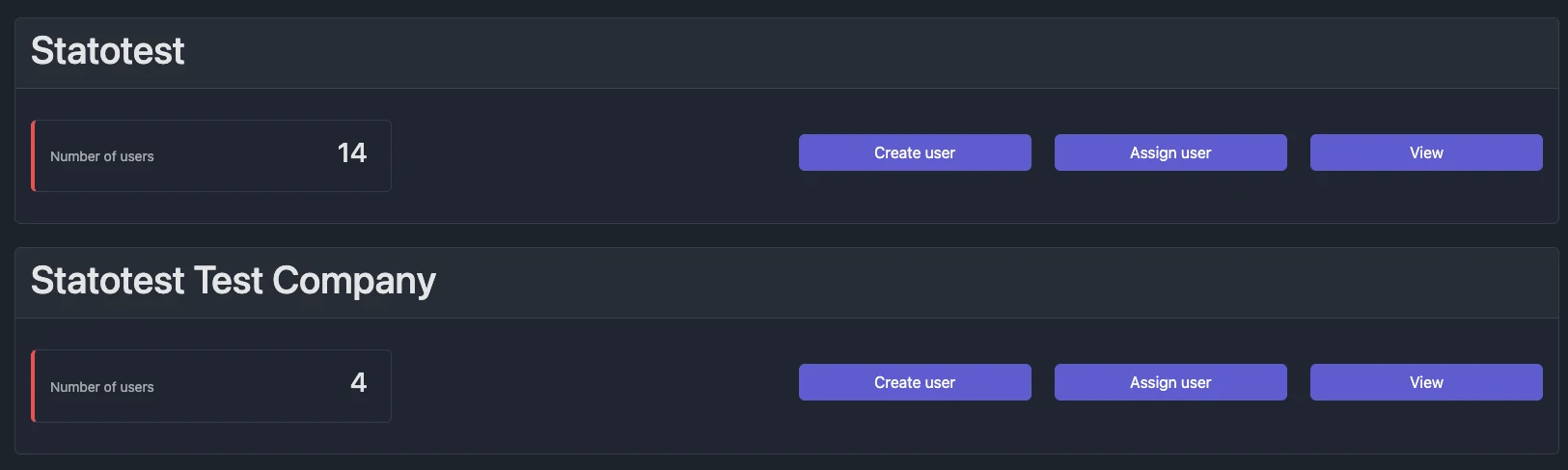
Each Organization card includes:
- Organization name
- Number of users in the Organization
- Create user button (Organization Administrator only)
- Assign user button (Organization Administrator only)
- Users table (expand via View)
In this documentation, we always use “Organization.” If you see “Company” in screenshots or older texts, it refers to the same entity.
What You Can Do Here
- Create a new user for your Organization (requires Firstname, Lastname, E‑Mail, Phone, Password)
- Assign an existing Statotest user to your Organization using their email
- Browse and search users with table filters and sorting
See details and step‑by‑step workflows in Users.
Roles Overview
Roles control what users can do. Review the available roles in User Roles.
Manage Your Own Profile
All users can update their own personal information and change their own password from the profile page. Learn more in Profile Settings.