Profile Settings
Access your profile from the top-right menu by clicking Profile. The page shows your personal details and allows you to update them.
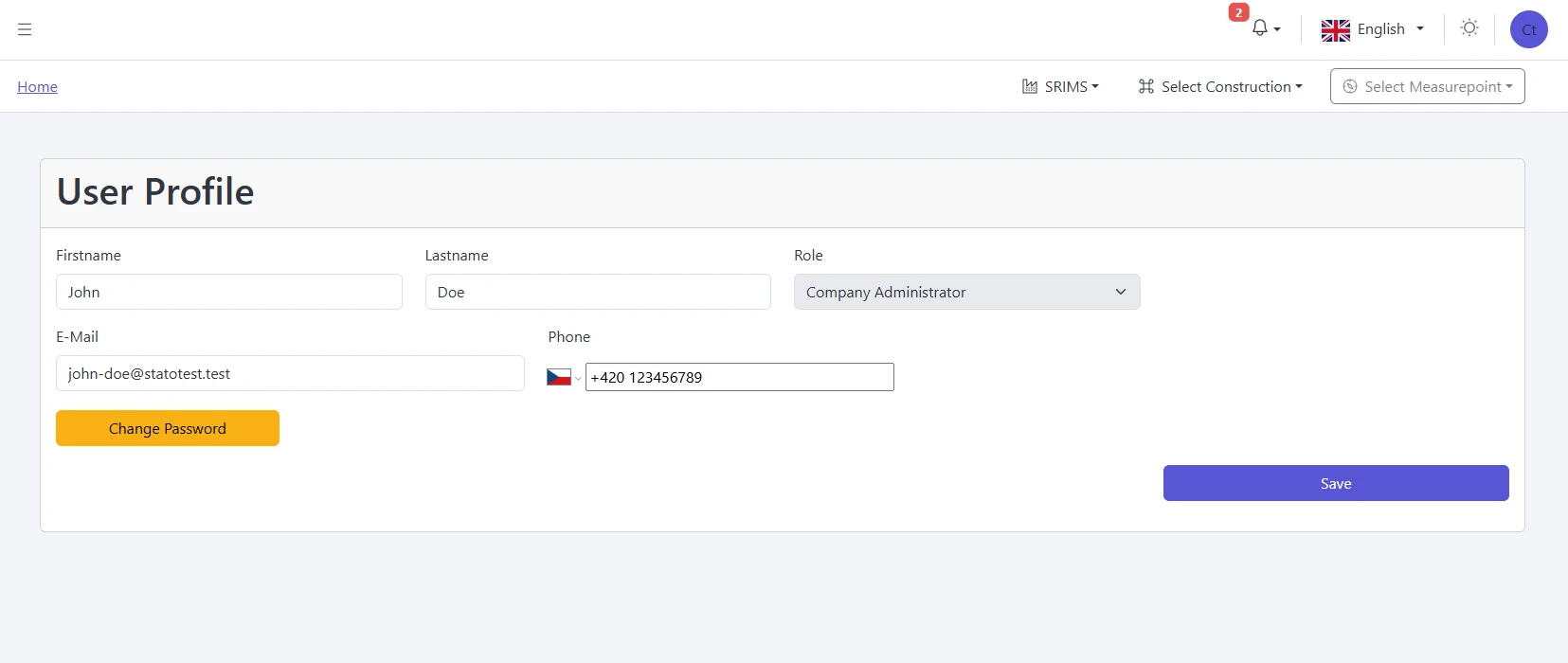
What you can edit
- Firstname, Lastname
- E‑Mail
- Phone
Click Save to apply changes.
Who can edit what?
- Every user can edit their own profile.
- Global Administrators can edit any profile. Organization Administrators cannot edit other users’ profiles.
Change your password
Use the Change Password button on the profile page.
For your own account:
- Enter Current Password
- Enter New Password and Confirm new password
Password safety
Use a strong password with a mix of letters, numbers, and symbols. Avoid reusing passwords.
If you need help with access or account issues, contact the administrator at info@statotest.com.